
Eat UNC
Chapel Hill dining hall menus
Your score
Shaky. 10 of 43 checks need attention.
Eat UNC
Food & Drink · US
- Discoverability46.6
Outranked on all 6 terms · 77% of characters
- First impression83.9
icon 78, shot 1 75, subtitle 100 of 100
- Credibility74.3
5.0★ from 2 ratings · no review themes
- Clarity71.4
3 of 6 viewers described it correctly
- Competitiveness36.8
Picked 0 of 2 shelf runs · 54th pct
Working
- You have a subtitle. Good, most indie apps don't.
- Your subtitle uses 29 of 30 characters. Well spent.
Not working
- Your app name is only 7 characters. 23 of your 30 highest-value indexed characters are doing nothing. A brand name alone gets found by people who already know you. Add the words everyone else searches.
- Nothing in your name or subtitle says what the app actually does. It reads as a brand plus adjectives. Those 60 characters are the only text on your search card, so a stranger has to guess, and Apple's text matching has nothing to work with.
Leaderboard rank
- #22Chess ∙63.9

- #23Eat UNCthis app63.7
- #24Sprig: Private Meeting Notes58.7

The shelf
3 of 3 simulated users picked a rival off this row.
Search results · US · Food & Drink
They were asked to find: “You want to cook at home more during the week without planning your life around it.”
- You1
Eat UNC
Chapel Hill dining hall menus
5.02 ratingsGet
Skeptical Researcher passed: “Only 2 ratings is too thin to trust, and it's clearly a single-school app when I want something broader.”
- 2

Dine On Campus
Campus Menus, Ordering + More
2.4270 ratingsGet


- 3

Eatery – Cornell Dining
Cornell AppDev
4.7744 ratingsGet


- 4

College Menus
Dining Hall Menus and Hours
3.73 ratingsGet


- 5

Yale Menus
Menus & Crowding @ Yale
4.270 ratingsGet


Your taps
Where the taps went
- Eatery – Cornell Dining4/6
- Eat UNCyou2/6
Fix these first
5 changes, in order of impact.
Rating count vs the top 5
You have 2 ratings against a top-5 median of 270. Under about 25 ratings, even a 4.8 average reads as unproven. This is a volume problem, not a quality one. Ask for ratings in-app at a moment the user is happy. iOS shows no download counts, so your rating count is the only popularity proof a stranger can see.
conversionIndustry consensusApp name character use
Your app name is only 7 characters. 23 of your 30 highest-value indexed characters are doing nothing. A brand name alone gets found by people who already know you. Add the words everyone else searches. Spend the rest of your 30 characters on one specific word people actually search for.
visibilityApple-documentedCross-index locales unused
You're publishing in one language, and the United States storefront supports 9 more. Each missing one is another 30-character name, 30-character subtitle and 100-character keyword field: 1,440 indexable characters you're leaving on the table in the same storefront, without translating your app. Missing: Arabic, Chinese (Simplified), Chinese (Traditional), French, Korean, Portuguese (Brazil), Russian, Spanish (Mexico), Vietnamese. Add metadata in your storefront's additional supported languages. Each one is another 160 indexable characters (30 name + 30 subtitle + 100 keywords) in the same storefront.
visibilityIndustry consensusNo functional word in name + subtitle
Nothing in your name or subtitle says what the app actually does. It reads as a brand plus adjectives. Those 60 characters are the only text on your search card, so a stranger has to guess, and Apple's text matching has nothing to work with. Put one word in your name or subtitle that says what the app does: the verb or the noun someone would type into search.
visibilityIndustry consensusScreenshot count
+10–20% est.You have 4 screenshots out of a possible 10. Most top apps run five. The extra ones cost you nothing and carry the story for the 40% of visitors who actually scroll. Ship at least 5 screenshots, and never fewer than 3. The first 1–3 are the entire search-result unit for the ~65% of downloads that happen straight from search.
conversionStrong evidence
What simulated users said
6 of 6 would tap your card; 4 of 6 would install.
Skeptical Researcher
38, product manager · reads the one-stars first (the control persona)
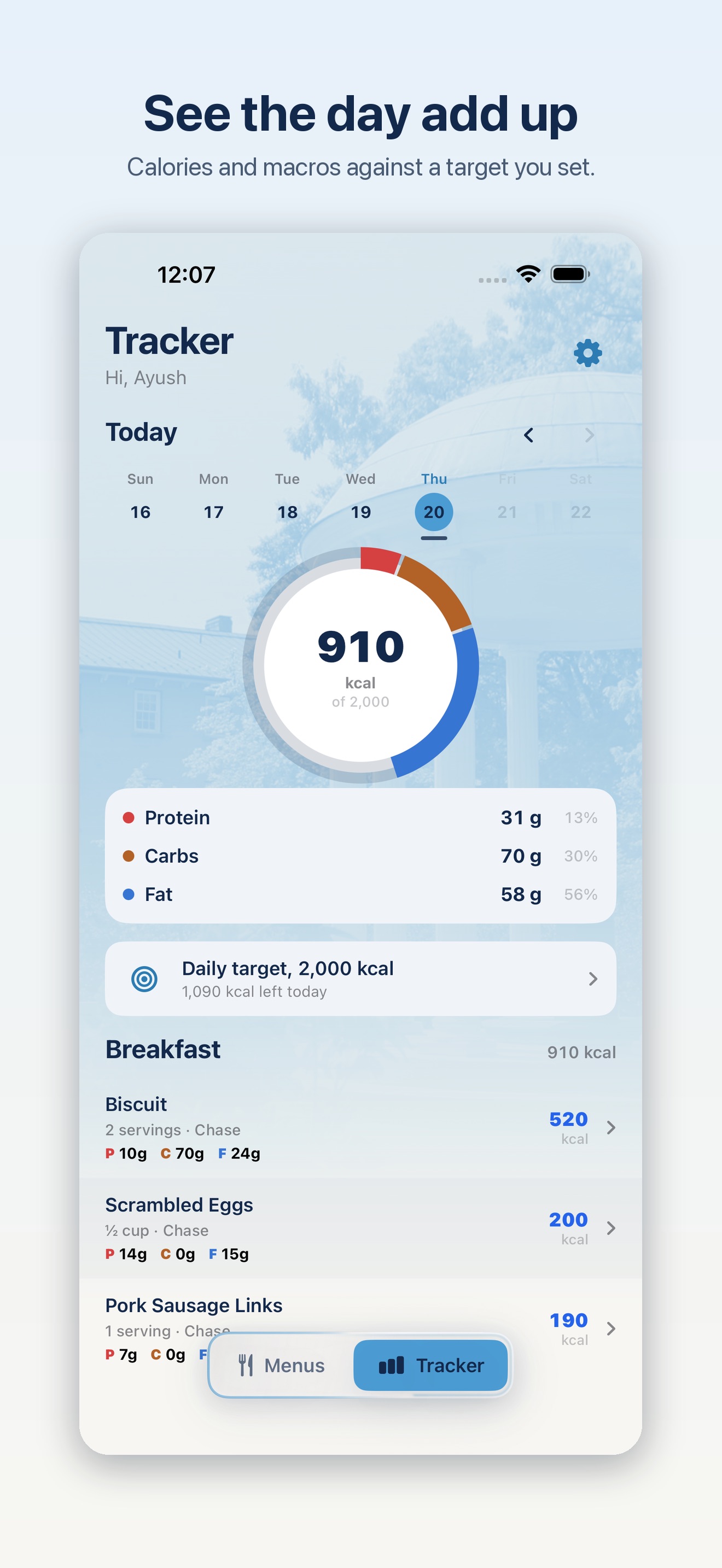
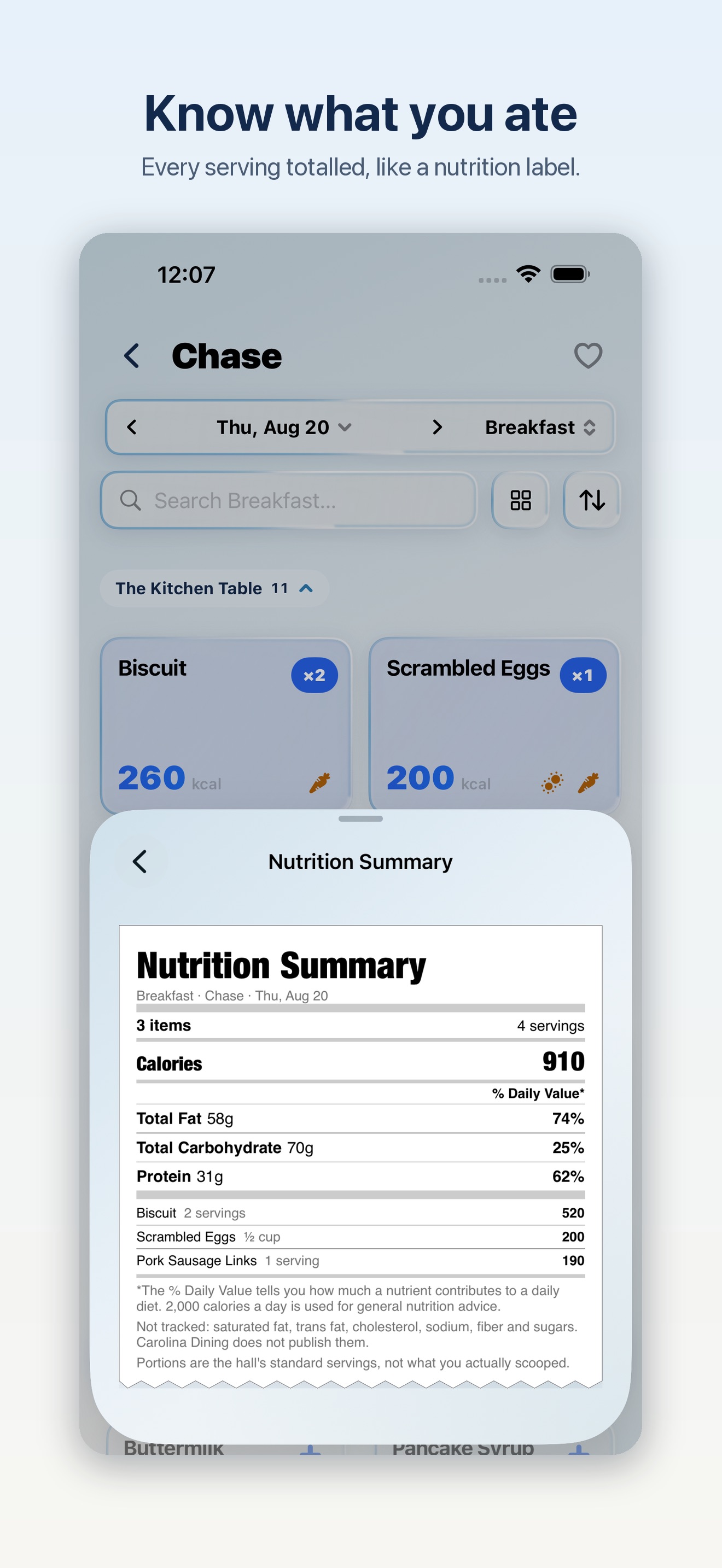
“This looks genuinely useful if I'm actually eating at a dining hall, and the nutrition tracking piece is well-designed enough that I'd probably use it.”
- The card
- would tap
- The page
- did not open it
Skeptical Researcher
38, product manager · reads the one-stars first (the control persona)
“This is a tight little tool for a specific use case and it looks like the developer actually maintains it.”
- The card
- would tap
- The page
- did not open it
Price-Sensitive Pragmatist
29, gig worker · goes straight to the in-app purchase list
“It's free, it does exactly what the name says, and I don't see anything trying to squeeze money out of me later.”
- The card
- would tap
- The page
- would install
Price-Sensitive Pragmatist
29, gig worker · goes straight to the in-app purchase list
“This is exactly the kind of simple utility I'd actually use — no nonsense, no hidden costs, just tell me what's for breakfast so I know if I'm walking over there.”
- The card
- would tap
- The page
- would install
Impulse Scroller
19, student · installs several apps a week, deletes most of them
“This is exactly the kind of thing I'd actually use — see what's for breakfast, log it, done.”
- The card
- would tap
- The page
- would install
Impulse Scroller
19, student · installs several apps a week, deletes most of them
“This is exactly the kind of thing I'd actually use on campus instead of showing up to the dining hall and finding nothing I want to eat.”
- The card
- would tap
- The page
- would install